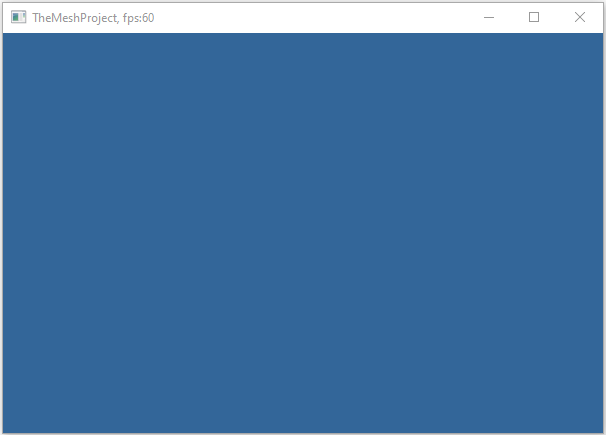
Every visualization or mesh‑processing tool begins with a simple requirement:
- creates a native window
- initializes an OpenGL context
- manages input and events
- provides a predictable render loop
In
This tutorial focuses on clarity and minimalism. Later tutorials will show how this window integrates with
the framework’s renderer, event system, and visualization utilities.